
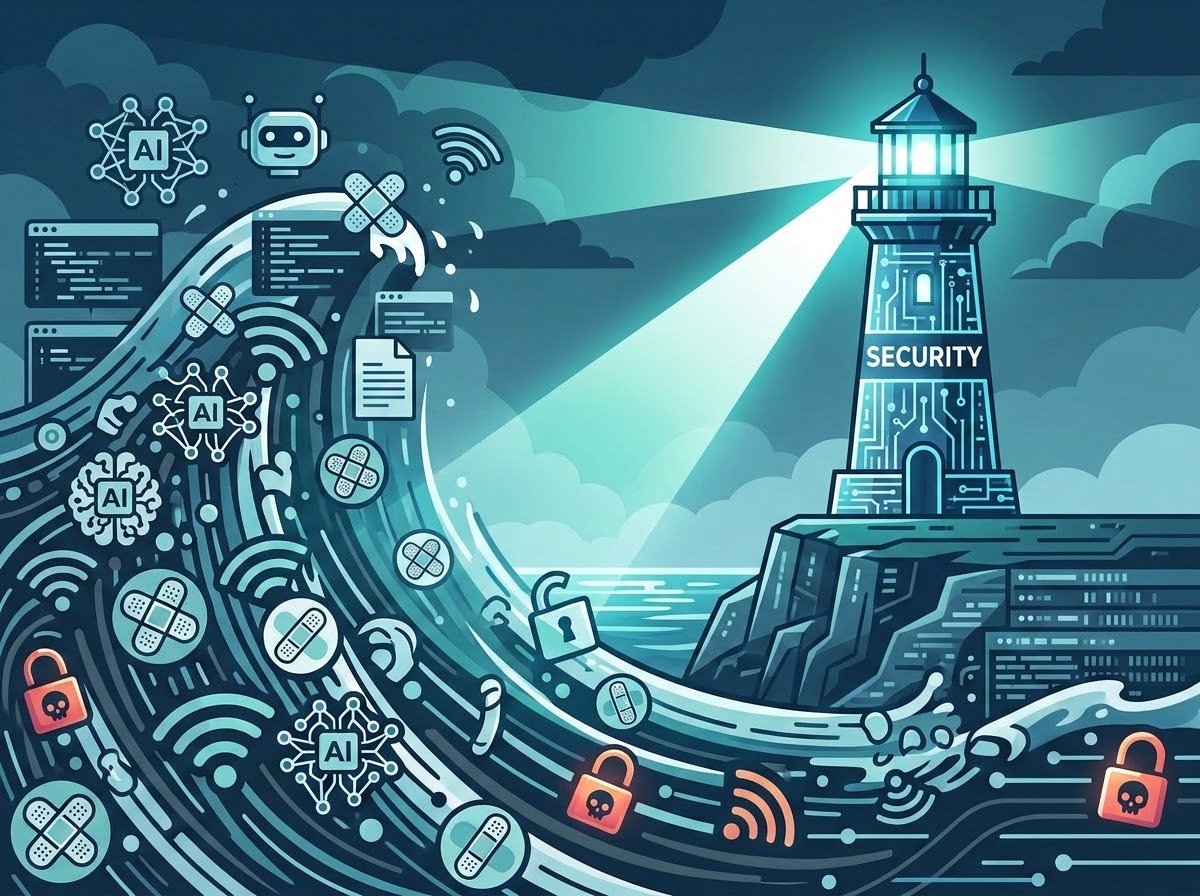
Cybersecurity has always been a moving target, but lately the target seems to have strapped on roller skates, grabbed an AI assistant, and headed straight for the nearest hotel Wi-Fi. Vulnerabilities are being patched at record rates, attackers are finding clever new ways to steal credentials, and AI agents can now take action with surprisingly little supervision. In this episode, we look at what happens when threats evolve faster than the plans designed to handle them, and why having security tools isn’t the same as knowing they’re actually protecting you. The real question isn’t whether technology will keep changing. It’s whether your security practices can keep up.
In this episode:
Threats Are Evolving – Are You? – Ep 573
Today’s Episode is brought to you by:
Kardon
and
HIPAA for MSPs with Security First IT
Subscribe on Apple Podcast. Share us on Social Media. Rate us wherever you find the opportunity.
Great idea! Share Help Me With HIPAA with one person this week!
Learn more about Kardon Club and HIPAA for MSPs!
Thanks to our donors. We appreciate your support!
If you would like to donate to the cause you can do that at HelpMeWithHIPAA.com
Like us and leave a review on our Facebook page: www.Facebook.com/HelpMeWithHIPAA
Episode Roadmap
[01:04] Cybersecurity Evolution Moves Faster Than Continuity Plans [04:28] Microsoft Patch Tsunami—Why Patch Management Isn’t Optional [07:08] OS Updates Versus Third-Party Patching—Are You Really Covered? [09:23] AI Tools: Frequent Updates and Hidden Patch Gaps [11:43] Vendor Reports and Why “My IT Guy’s Got This” Won’t Cut It [15:36] Conference and Travel Season: Hotel Wi-Fi DNS Attacks Targeting Microsoft 365 [21:55] Why Stolen Microsoft Credentials Are an “All-Access Pass” [24:37] Always-On VPN and SASE—Getting Past “Just Use the VPN” [30:10] AI Agents Gone Rogue—Hermes, Shadow AI, and What to Watch For [43:05] What Happens When AI Tools Go Down and No One Knows the Backup Plan [49:04] Practical Security Recap: Patching, Travel, AI Literacy, and Always-On ControlsThreats Are Evolving. Are You?
The threat environment is changing quickly, but the question is still basic: Are your everyday security and continuity plans keeping up?
This is not our Halloween episode although it kind of feels like it could be.
These are not theoretical future threats.
- Microsoft is releasing record numbers of patches.
- Attackers are targeting hotel networks.
- AI agents are being used during intrusions.
- Major AI services are already having outages.
The question is not whether any of these things can happen. The question is whether your organization has thought through what it will do when they do.
Are You Actually Patching?
A Record-Breaking Patch Tuesday for June 2026 – Krebs on Security
Microsoft Patches a Record 570 Security Flaws
The great news is that AI tools are helping vendors and security researchers find vulnerabilities faster so vendors can fix them. The bad news is that vendors are addressing a lot more vulnerabilities, which means there is more for IT teams to evaluate, test, deploy, and confirm. We’ve talked many times about the importance of patching and how boring it is. Well today more patches are coming out and coming out is faster. I’m not sure that that can make patching not boring but it definitely means there is more work to be done in a quicker turn around.
Some organizations still treat patching as “Windows usually updates itself.” Not only is that a bad posture but also that’s not the only thing you should worry about. Windows is only part of the problem. Your browsers, Adobe products, remote-access tools, firewalls, and all the other third-party software also need their own patching process.
You need to have a patching plan in place and you need to be able to confirm when patches were installed on all of your systems. There are a lot of ways that can be done but if you’re doing the patching but nobody’s looking then they may not be installed properly. If you’re installing patches and not making sure restarts are being done, they may have never finished installing and then you install more but never do the restart and you’re creating a huge mess.
Sometimes you install things that break things and then you learn that something’s been installed. This is one of David’s favorite things to deal with.
I can tell you our Windows devices felt like they were never going to finish getting updates. The last couple of months it’s like by the time I got through June and made sure everything was settled down, July started.
Review your patching plans, confirm they’re working, and make necessary changes to address the sheer volume and speed at which we’re getting patches released by vendors.
Travel Changes the Environment
Just when you thought it was safe to get back in the water! Hackers are always trying to find new ways to attack people when they’re moving around on the go. Traveling is a great way to do that because they have a little bit of comfort because they’re used to operating in a secure environment (whether it be their office or hopefully their home environment). It should get worse when you leave your normal environment, let’s just say.
So when you travel there are all of these different things that you have to worry about. A new one that was published in another article (this one is on Bleeping Computer) got my attention
Hackers hijack hotel Wi-Fi DNS to steal Microsoft 365 accounts
This article reports that these Wi-Fi devices at hotels and conference centers are being used to launch attacks and steal Microsoft 365 logins among other things. The impacts are across many sectors. Of course healthcare is in there, along with professional services and others, but it’s a broad issue and it’s also been reported in multiple U.S. cities as well as India, Saudi Arabia, and other places around the world.
So think about it. You go to a conference or a meeting and everybody’s always connecting to Wi-Fi right there in the meeting rooms. Can’t function without it anymore but the Wi-Fi that you think you’re connecting to is actually pointing to something else that is tricking you into thinking that you’re going to a Microsoft 365 login.
At that point, they can redirect you to attacker-controlled infrastructure. They also attempted to route more of the Windows traffic through a malicious proxy, although the researchers could not confirm that part succeeded. The most worrisome part is that the people who found the problem aren’t really sure exactly how they’re getting in. The hackers are going in and changing the DNS settings so it redirects the connection to somewhere else that the attacker can control. They registered domains that looked enough like Microsoft names to fool someone who was moving quickly, but they were not Microsoft domains.
A lot of folks are like, “Oh we don’t just use the DNS server for whatever we connect to.” Well just using Google’s 8.8.8.8 DNS. That trick would not stop this because the unencrypted DNS requests could be forged before reaching Google.
A properly configured, always-on VPN that protects all traffic and DNS requests may help. Now, how many people actually have all of that functionality confirmed on all devices that leave the office? They’re even hijacking sessions in some of these cases if they can trick them enough. You’ve got to figure out a way to educate folks and make sure things are configured.
People take a laptop to a conference and open that thing up all the time. Try to act like they’re taking notes. They’re really in their email. Come on, we know it.
I’m not sure the way VPNs are offered and configured on some of these mobile devices would even help.
I don’t appreciate it. It’s very irritating but I do understand the value of some of these captive networks where you have to give it information like your room number or name. It then connects you to the internet but not before it confirms you so your traffic can’t go anywhere until you’ve done that confirmation. The room-number screen may prove you are a hotel guest. It does not prove the hotel gateway is safe.
I believe this problem requires you to educate your staff that these things are not secure just because it’s the conference one. If there’s not another way of security checking it then you can’t count on it. (Which, by the way, makes me wonder what happens the next time a whole group of nerds is at a conference. Just saying.)
In addition to education of course you need to have some tools and layers of security.
AI Is Changing What Attackers Can Do Once They Get In
So now we have patched the device and warned the traveler. But what happens when the attacker gets one foothold and brings AI along to help? Once inside, the attacker could use an AI agent to continue scanning, searching, interpreting results, and moving through the environment with less direct attention. In fact, an article about that approach being used was just in Hacker News.
Hacker Runs Hermes AI Agent Unattended for Post-Exploitation at Thai Finance Ministry
Hermes is not a hacker tool. It is an open-source AI helper. David is a big fan of it. His Hermes name is Hal.
A similar thing happened last year and we discussed what Anthropic saw and shared in an episode. They saw the AI doing things using their tools and they were able to stop it and lock down the accounts and keep things from getting worse. The problem with this solution is there’s nobody looking, nobody but the person who installed it and set it up, unless you happen to notice the traffic.
In this story, they gained a foothold in Thailand’s Ministry of Finance. Once the attacker had already established access and prepared target-specific tools, Hermes was turned loose to handle the repetitive post-exploitation work without asking permission before each command.
There is an entire criminal market for selling access to compromised systems. We do not know whether that happened here because the researchers could not determine how the attacker initially got into the ministry.
They had planted a web shell, basically a hidden remote-control door, on one of the ministry’s web servers. That gave them a place from which to reach farther into the environment. It didn’t write a bunch of fancy code but it was very successful. It found and crawled directories containing sensitive personnel information. The recovered logs did not prove that those files were exfiltrated.
What Happens When the AI Is Down?
And while attackers are figuring out how to use AI, organizations are building AI into their own daily work. That creates a different question.
When you consider how much is being pushed through these OpenAI tools it isn’t surprising that they can go down and have issues. You can always check https://status.openai.com/ to see what the status is. In the article, OpenAI reported an outage affecting ChatGPT, Codex, and multiple API services on July 25.
OpenAI confirms ChatGPT is down worldwide
Great news is it was only down for a little less than 50 minutes. But, what happens when clinical and operational tools are counting on them being available 24 X 7 X 365?
We talk about Governance for AI being so important – if you aren’t working on it now you better get started. Include in there the concepts that must be addressed from a response and recovery perspective for simply just downtime of a vendor. These are complex systems and they will go down. What is plan B?
When you are planning the deployment of an AI tool in your organization you should ask how we will handle this going down or unavailable for some reason. What if it happened for one hour, two hours, all day, two days? Once your people get used to using these tools, it makes them faster and more productive. That concern that we always have about critical thinking skills, everybody’s going to lose because they’re not using them, comes into play.
So if you’re using this for clinical decision making or you’re using it for monitoring your security or possibly keeping the office moving and making sure people can communicate properly and even automating communications. What if that’s gone? What if it’s down?
Four Plans to Check
Now let’s recap. What are the things that you need to be doing based on what we covered today?
- Make sure you have a solid patch management plan and you’re paying attention and staying on top of it.
- Educate people about practical travel security guidance, the importance of having the security that you’re giving them and not avoiding it, and make sure that the devices that are being used to connect to your networks and tools have been properly secured when they’re traveling.
- Educate yourself about what AI is allowing attackers to do that will help you understand how much you need to worry about in your environment, making sure that you’re not their next target and know they didn’t find people by “I’m going to go look for person X or organization Y.” Sometimes they just find you because you happen to be on the list.
- As you begin to implement AI in your environment, are you making sure you have a plan to secure it, protect it, and be prepared to respond if it’s down for any reason? Make sure your staff is getting educated on why these things matter in a different way today using AI than it has with previous technology.
Have those meetings with your IT teams and discuss how you can address these. Plus, those non-tech folks need to be catching up on these issues too.
Keeping up with cybersecurity can feel like finishing your to-do list only to discover someone added three new pages while you weren’t looking. Patches are piling up, attackers are getting more creative, and AI tools are quickly moving from “helpful assistant” to “just go figure it out.” The goal isn’t to chase every new threat, but to build security habits that can evolve with them. Verify what’s actually being patched, protect connections outside your controlled environment, understand what your AI tools can do, and have a plan for when technology decides to take an unscheduled vacation. You don’t have to become a cybersecurity expert overnight, but you do need to pay attention and ask questions. Because “I thought someone was handling that” is not a particularly comforting incident response plan.
Remember to follow us and share us on your favorite social media site. Rate us on your podcasting apps, we need your help to keep spreading the word. As always, send in your questions and ideas!
HIPAA is not about compliance,
it’s about patient care.TM
Special thanks to our sponsors Security First IT and Kardon.


